Guide
Moving and rotating buildings
Pick up a placed building and set it down somewhere better, for free. The game previews which homes gain or lose a service before you commit.
Moving a building
Tap a building with Inspect and choose Move. It lifts off where it stands, facing the way it faced, and you can drag it, tap an outlined spot or rotate it just like a new building. Tap Place to set it down; Cancel leaves it exactly where it was.
Moving is free, and the building keeps everything: its level, its residents, its construction progress, even damage. Any trees on the new spot are felled for a little wood.
What changes, before you commit
While you hold a building over a new spot, the card says what the move would change, losses first:
- A home lists the services it would lose or gain there, and whether it may drop or grow a level. Without a road to the Town Center, its people would move out.
- A service building lists the homes it would stop or start reaching.
- A workplace says whether it keeps its road and how well the new spot suits it.
Turning a building
Tap Rotate on the card, or twist two fingers on the map, to turn the building a quarter turn at a time. Front doors face the street on their own when a building lands somewhere new; once you turn one yourself, it keeps your choice.
What can't move
The Town Center anchors every road and distance in your city, and a wonder stays where it was raised, so neither can be moved. A move can be taken back with Undo, as long as its old spot is still free.
Keep reading
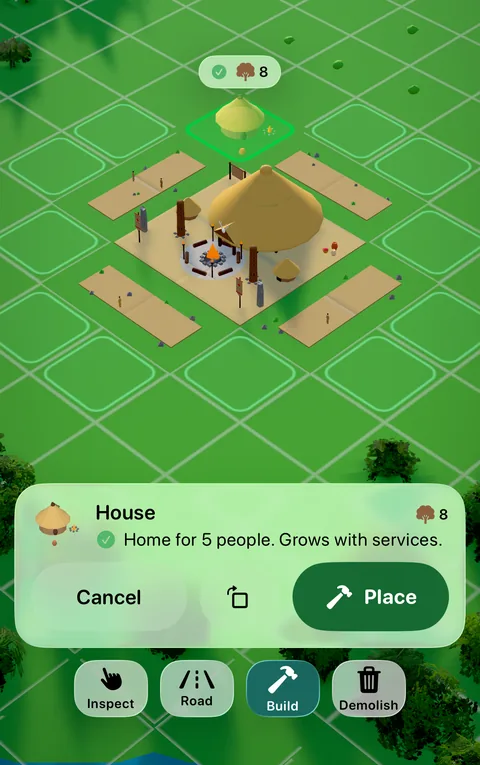 GuidePlacing buildingsChoose a building, let it find the best spot, turn its door to the street and confirm. Nothing is spent until you tap Place.
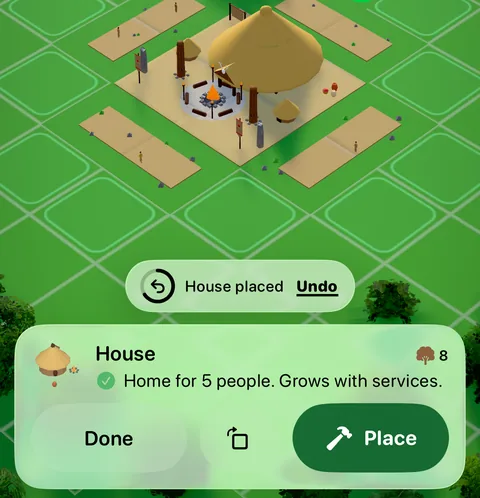 GuideUndoPlaced something in the wrong spot? For a few seconds after you place, build a road, move or upgrade, Undo takes it back and refunds what it cost.
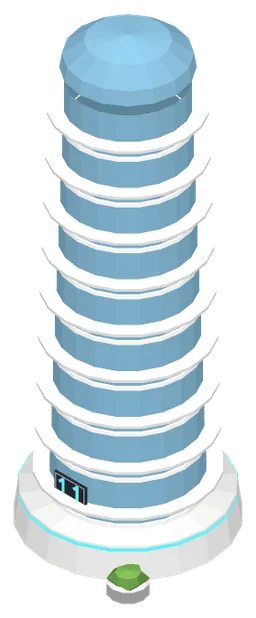 GuideGrowing homesThe house-growth ladder: how a home climbs from level 1 to level 11 as services reach it, and how each age raises the ceiling.
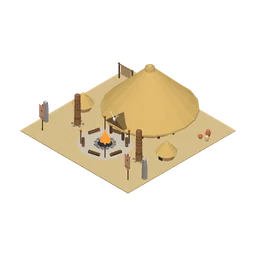 Stone Age · ServicesTown CenterThe heart of your settlement. Every road begins here, and every building must be connected to it.
Generated from the Erapolis game data, with pictures from the game itself. Numbers are per minute of game time, at Standard difficulty.