
Guide
How to Play
There is no rush and nothing to buy. Here is how to take one settlement from a Stone Age campfire to a ribbon into orbit.
Your first city
- Found a city. On the title screen, tap New City. Roll Another island until you like the shape of the land, name your city, choose a difficulty and tap Found.
- Follow the coach. Your first city starts with a short guided tutorial that teaches by doing: build homes, lay a road, gather food and dig a well. The coach and your goals has the details.
- Keep to the roads. Every building must touch a road that leads back to your Town Center. See Roads and the Town Center.
- Follow the goals. The goal card near the top of the screen always shows the next step for this age, ending with its wonder.
Controls
- Drag one finger to pan; with a building in hand it drags the building, and with the road tool it draws a road. Two fingers always pan.
- Pinch to zoom and twist to turn the view (or, while placing a building, to turn the building a quarter at a time).
- Tap acts with the tool in hand. The toolbar holds Inspect, Road, Build and Demolish; with Inspect, tap any building or road to see what it does.
Building
Open Build, pick a tab and a building, and it waits on the best free spot near where you are looking, with other good spots outlined. Drag it or tap an outlined spot, then tap Place. Nothing is spent until you do, and for a few seconds you can still take it back with Undo. Placing buildings covers the details, and Construction what happens next.
Growing homes
A house on a connected road is level 1. It then climbs one level for each service that reaches it, in order: water before faith, faith before a market, and so on, up to the highest level the current age allows. Tap a house to see which need is next and which building brings it. Growing homes shows every level.
| Level | Needs | Provided by | From |
|---|---|---|---|
| 1 | A road to the Town Center | Town Center | Stone Age |
| 2 | Water | Well, Aqueduct Fountain, Water Tower | Stone Age |
| 3 | Faith | Shrine, Temple | Stone Age |
| 4 | Market | Market | Bronze Age |
| 5 | Health | Bathhouse, Hospital | Classical Age |
| 6 | Culture | Amphitheater, Stadium | Classical Age |
| 7 | Safety | Watch House | Medieval Age |
| 8 | Education | School | Renaissance |
| 9 | Power | Power Station, Solar Farm, Fusion Reactor | Industrial Age |
| 10 | Transit | Metro Station | Modern Age |
| 11 | Wellbeing | Biodome | The Beyond |
Resources and happiness
Your city runs on five resources: food, wood, stone, gold and knowledge. Residents eat food, pay taxes in gold and work in your buildings; many buildings cost gold upkeep. Happy homes fill up faster and pay more. Read Resources, workers and upkeep and Happiness.
Ages and wonders
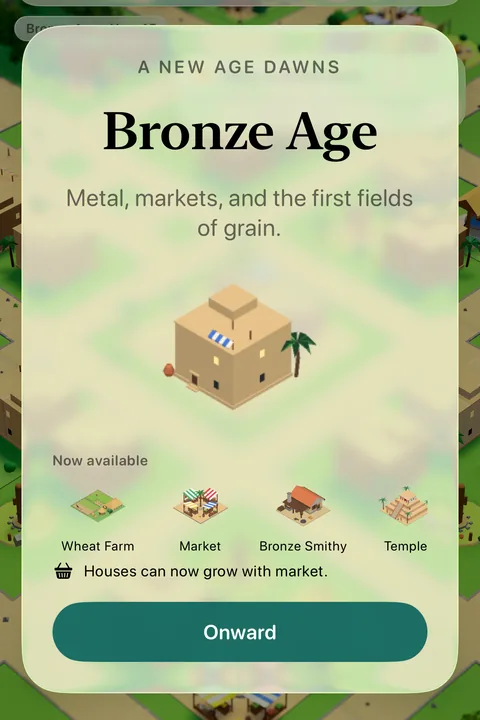
Each of the 8 ages ends with one wonder. It can be raised only in its own age, only once, and only when enough people live in your city. Completing it carries your city into the next age, with new buildings, a new need and a new look for every home. The Space Elevator completes your city's story, and you can keep building afterwards.
| Wonder | Age | Needs | Cost |
|---|---|---|---|
| Stone Circle | Stone Age | 45 people | 100 food150 wood130 stone |
| Great Ziggurat | Bronze Age | 120 people | 400 food500 wood800 stone500 gold |
| Colossus | Classical Age | 260 people | 900 food1,800 stone1,500 gold400 knowledge |
| Cathedral | Medieval Age | 450 people | 1,800 food1,500 wood4,000 stone3,500 gold1,200 knowledge |
| Grand Dome | Renaissance | 700 people | 3,000 food2,500 wood7,000 stone8,000 gold3,000 knowledge |
| Iron Tower | Industrial Age | 900 people | 4,000 food10,000 wood30,000 stone40,000 gold15,000 knowledge |
| Sky Spire | Modern Age | 1,000 people | 5,000 food32,000 stone42,000 gold18,000 knowledge |
| Space Elevator | The Beyond | 1,100 people | 6,000 food45,000 stone70,000 gold35,000 knowledge |
Events
As your city grows, 44 different events can find it: visitors with offers, strokes of luck, disasters that strike where a service is missing, and 25 affectionate nods to the games that came before. Most ask you to choose. See all events.
Side quests
Five optional little games hosted by buildings in your city are coming in a future update: meet the side quests.
Your cities
Keep as many cities as you like: Continue opens the last one, and Cities lists them all. Open the menu (top left) to rename your city, change settings or Save and return to title. Cities are saved only on your device: there are no accounts, no ads and no purchases.
Keep reading
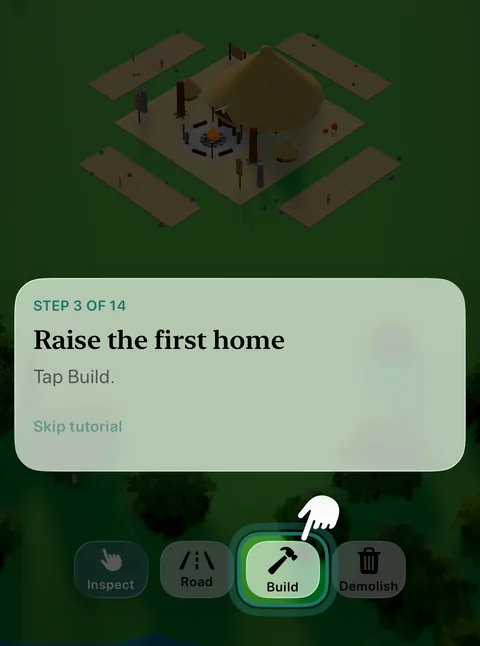 GuideThe coach and your goalsHow the guided tutorial teaches your first city, the one-time tips that explain new features, and the goals that lead you through every age.
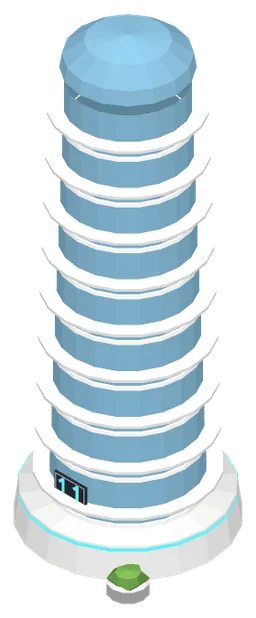 GuideGrowing homesThe house-growth ladder: how a home climbs from level 1 to level 11 as services reach it, and how each age raises the ceiling.
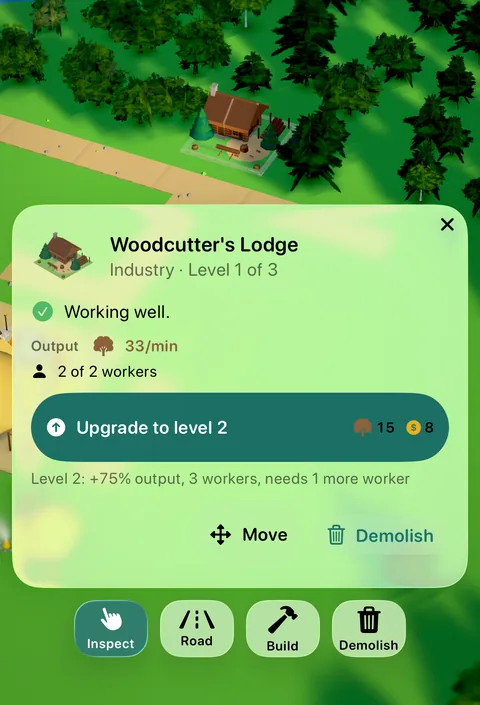 GuideBuilding upgradesRaise a production or service building to level 2 and 3: it makes more, reaches further and wears its level on a placard in the style of its age.
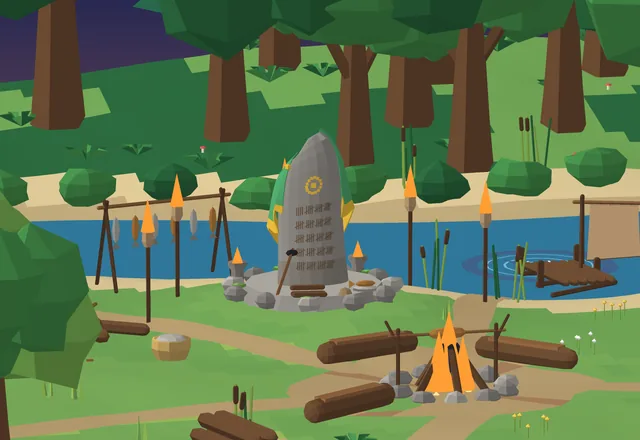 Coming soon · Stone AgeThe Mastery TrailA riverside clearing where Old Tamsin teaches the long, satisfying climb to mastery: chop, strike and cast your way to level 99 in three crafts.
Generated from the Erapolis game data, with pictures from the game itself. Numbers are per minute of game time, at Standard difficulty.